
Some goodies you find out after years … and you had them on your system all the time. I found this by accident here on Lifehacker.
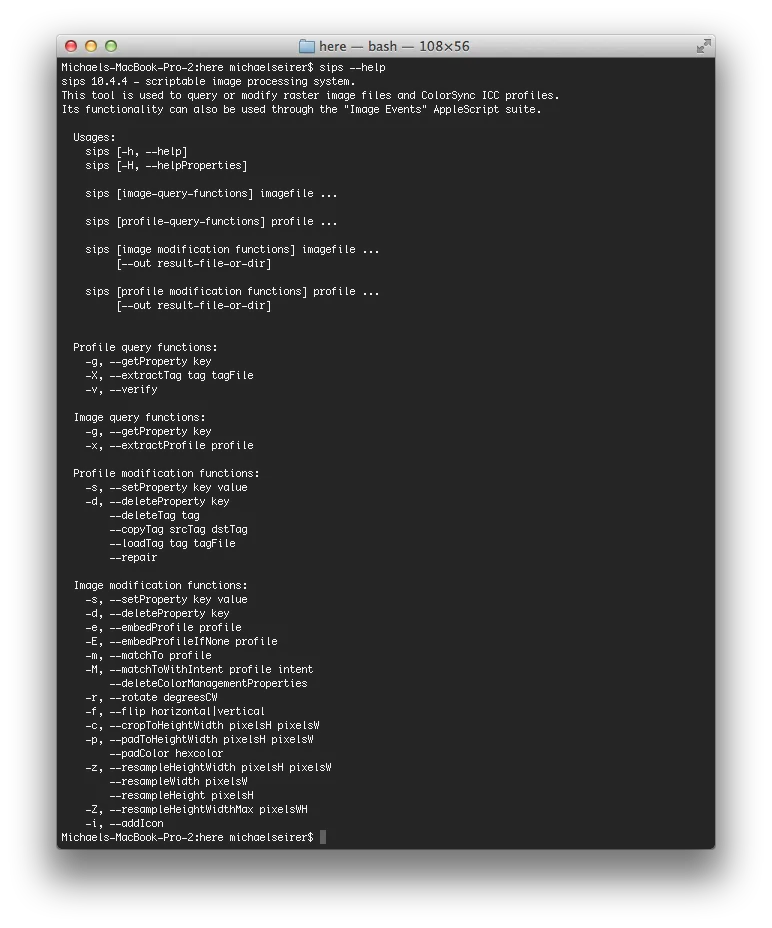
One of these goodies is “sips” for me - a utility that can change the size of images via commandline for OSX.
„sips -Z 640 *.png“
Thats all you need :) fast and easy..
Attention: this tool alters the files you throw at it - and there is no UNDO.
sips can do more - make sure, you consulted --help. Qualitywise I find the resized images a bit blurry compared to when i use my normal Lightroom export dialog for this.